Oh My ZSH on iTerm 2 让Mac更趁手
2021-07-28
Oh My ZSH
配置
插件
autojump
zsh-autosuggestions
zsh-syntax-highlighting
一些 iTerm2 tips
iTerm2 使用 sz rz
windows xshell 连接远程服务器后与windows电脑互传文件很方便,到了 mac terminal 就不行了,这里推荐一个github项目,原本是某个国外大佬的,结果这个家伙支持藏独,在文件里藏着某些敏感信息,后来前同事把代码拉下来去掉敏感信息后放到自己的项目中。
https://github.com/aikuyun/iterm2-zmodem
服务端安装 lrzsz: yum install lrzsz
注意:可以利用 mac自带控制台应用 来排查
命令行中使用代理
通过设置环境变量 http_proxy
|
|
配置 badge 徽章
区分环境
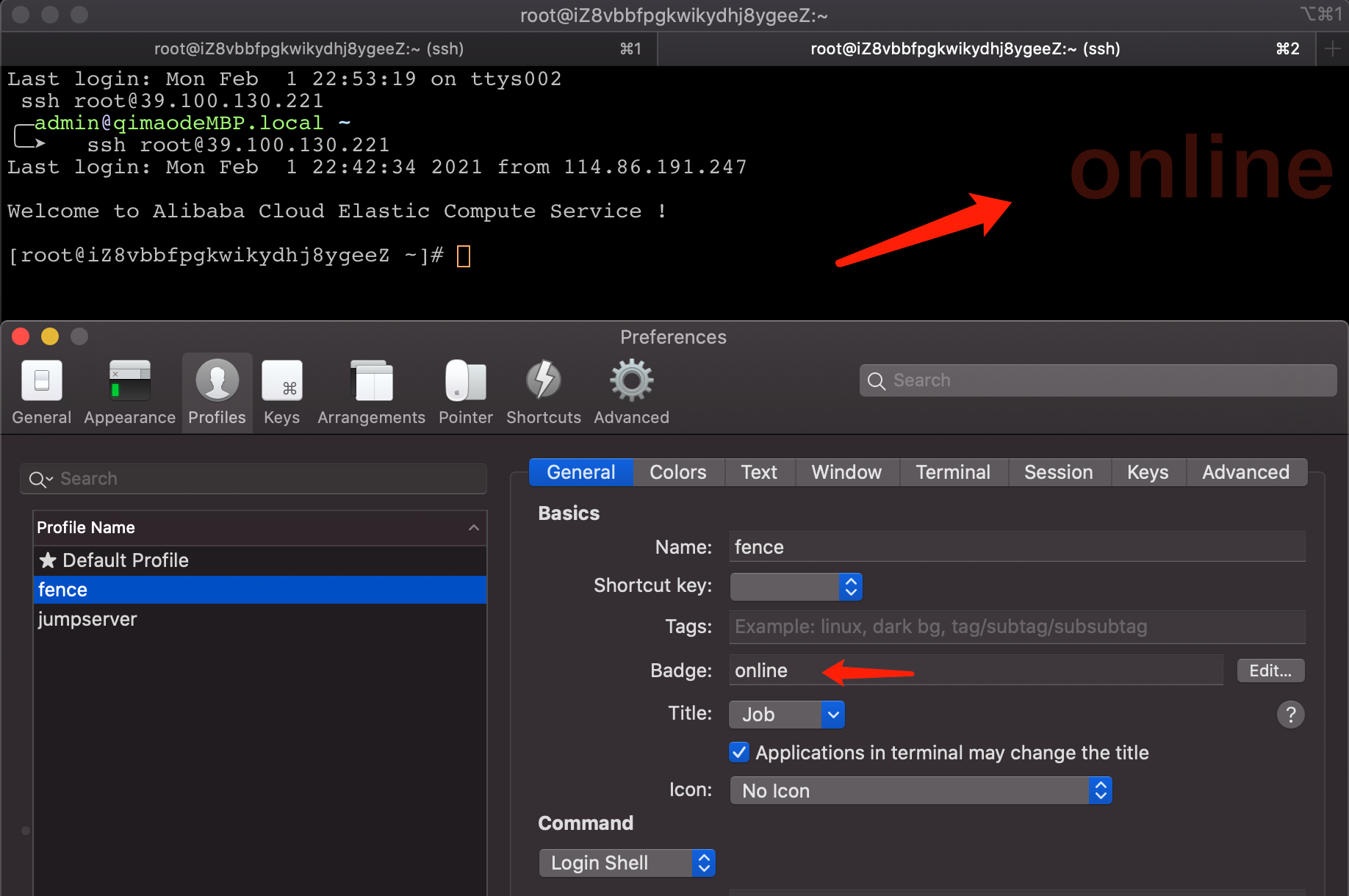
快捷键
|
|